What is panel PC?
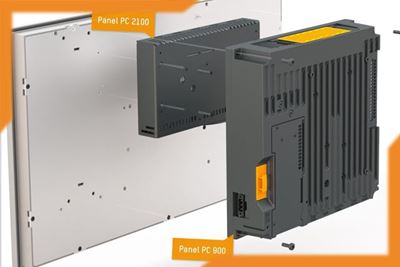
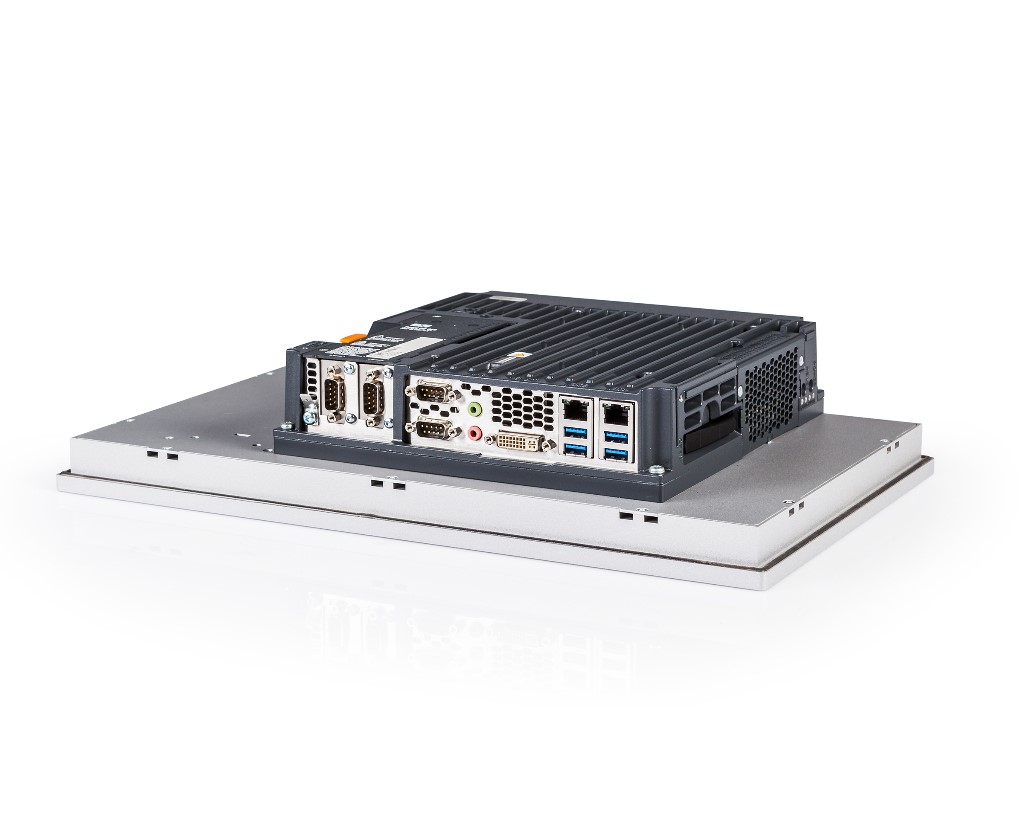
Panel PCs are made of reliable and quality parts and occupy very little space. Panel PCs take advantage of the latest developments in the home IT market. They are very powerful, have good connections, and are resistant to harsh conditions. In terms of configuration, performance, and installation, modern panel PCs are available in the market in a variety of ways and therefore are suitable for almost all industrial applications.
Panel PCs usage:
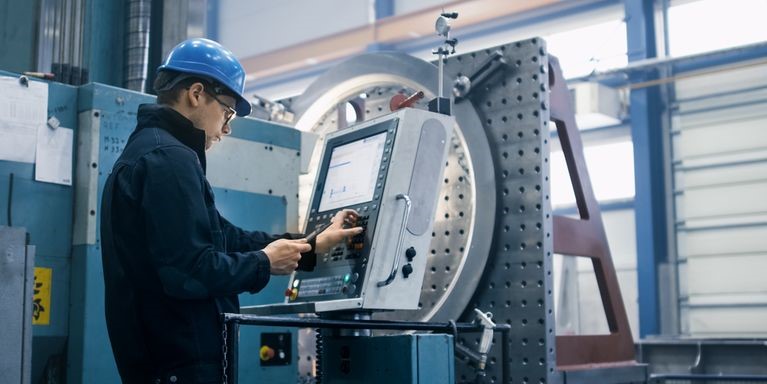
Industrial panel PCs have many applications, such as HMI in industrial PLCs, in ATMs or vending machines (for example, interactive screens), and in all sectors and industries that require operator intervention.
An important characteristic of choosing a Panel PC
To choose the right industrial PC panel, you must first determine what its application is and in what environment it will be used. The working environment and intended application determine the following characteristics:
• Dimensions (from 5 inches or 9 cm up)
• Screen format
• Screen resolution
• Brightness and type of background light
• Touch screen (choose between capacitive or resistive touch screen)
• Hard plate (reinforced): There are three types of these plates: semi-hard, hard, and very hard. Hardness refers to the screen's resistance to falling, tripping, vibration, very high or low temperatures, etc.
• How it’ll install and use in your system
Depending on your application requirements, other features should be considered when choosing a PC panel:
• Processor type
• Memory
• Storage capacity
• Expansion ports (additional video outputs, etc.)

Read more : Comparing the HMI touch panel
What type of touch screen should we choose for our PC panel?
A touch screen combines the capabilities of a display (display) and the capabilities of a pointing device (mouse). There are two types of technology for touch screens:
Resistive touch screen:
These touch plates consist of two conductive layers separated by an insulating layer. When the user touches one layer, these two conductive layers are connected, which produces an electric current. The system then detects the change in resistance in the conductive layers and identifies the position where the screen was touched. A resistive touch screen reacts when touched by a pen, glove, finger, nail, etc. This type of touchscreen is resistant to water, oil, and dust.
Compared to capacitive touch screens, these types of touchscreens are more accurate, especially when used with a stylus. The cost of making them is much lower. But touch screens are more sensitive to scratches and other damage caused by sharp objects. They also have a weaker response than capacitive touch screens, and their response speed becomes weaker over time. Finally, resistive touch screens are less transparent, which causes a loss of 20-25% of the brightness of the display, and layers on top of each other can cause harmful reflections.
Capacitive touch screen:
In this technology, a layer placed on the glass plate accumulates electric charge. When the user touches the screen with his finger, these electric charges are transferred to the finger. This causes a measurable change (the electrostatic field is interrupted) on that layer. Then the sensors can detect this touched point. The disadvantage of this type of technology is that it does not work if the user is wearing gloves. For "multi-touch" applications, it is necessary to go for touch screens with capacitive technology. This technology also works with thicker plates. This means that touch screens can be covered with a highly resistant reinforced glass panel. Capacitive touch screens are brighter and guarantee over 90% transparency.
In the following table, the advantages and disadvantages of the two panel pc model are discussed:
| Type | Capacitive touch screen | Resistive touch screen |
| Advantages | • brighter • Higher sensitivity, very fast response time • More suitable for multi-touch applications (assumed capacitive technology) • Stronger and more durable: It can be covered with a reinforced glass plate |
• Responds to any type of pressure • Resistant to water, oil, and dust • accurate • Affordable • Resistant to harsh environmental conditions |
| Disadvantages | • Cannot be used with gloves • More expensive technology • Sensitive to moisture and wetness | • Greater sensitivity to scratches • Less reactivity compared to the capacitive type • Losing 20 to 25% of screen brightness • It may have a harmful effect |
PC panel protection standards
Based on your use of your PC panel, there are these standards:
IP degree of protection
You need to know your work environment well to be able to determine what degree of protection (IP) is required. The first digit IP indicates protection against solids, and the second digit indicates protection against water or other liquids. Industrial panel PCs are generally IP65 or IP67 (NEMA 4 or NEMA 6).
IK grade
The two-digit IK rating is a protection list for electrical equipment against external mechanical shocks. The indicator of protection against impact energy is in joules and is equal to the fall of an object with a particular weight from a particular height. For example, IK01 means protection against an impact with an energy of 15 joules (an impact equivalent to falling an object with a mass of 150 grams from a height of 10 cm).
ATEX standards
ATEX standards are concerned with the protection of people working in potentially explosive atmospheres.
MIL-STD-810G/F
It is an American standard that indicates the strength of a device. This standard was developed for the US military and is now used commercially to demonstrate product compatibility in environmental conditions.
How many types of installation and mounting methods are there for PC panel?
There are several different choices for how to install panel PCs, so these computers can work in different environments and applications.
It's important to think about how you want to use your panel PC in your work equipment (cars, vending machines, etc.) or next to equipment (tech box, kiosk, etc.). There are these options:
• Rackmount PC panel (with an edge for rack installation, metal frame, server type)
• Panel PC with the edged frame, so it can be installed from the front (panel mount)
• Panel PC in a metal case (steel or stainless steel), desktop version, or VESA (arm, withstand or base)